

 Your brand. Built by Panache.
Mini PC, thin client or desktop? A buying and deployment guide
How to choose between a mini PC, a thin client and a traditional desktop for offices, classrooms, kiosks and signage, and what to confirm before you deploy hundreds of them.
The real difference: where the computing happens
| Desktop / tower | Mini PC | Thin client | |
|---|---|---|---|
| Where apps run | On the device | On the device | On a server, VDI or cloud |
| Size | Large | Palm-sized to book-sized | Small |
| Upgradeability | High | Limited | Minimal (little to upgrade) |
| Depends on network | Low | Low | High: needs a reliable connection |
| Data on the device | Yes | Yes | Usually none |
| Central management | Possible | Possible | Built in |
| Typical uses | Design, engineering, heavy multitasking | Office work, kiosks, signage, labs, point of sale | Call centres, banks, hospitals, classrooms, shared desks |
When each one fits
- Choose a thin client when you already run (or plan) virtual desktops, need data to stay in the data centre, and want fast replacement and central control of hundreds of identical endpoints.
- Choose a mini PC when users need local applications, space and power are limited, or the device must keep working if the network drops: front desks, kiosks, digital signage, classrooms and branch offices.
- Choose a desktop or tower for heavy local workloads, discrete graphics or many expansion cards.
Deployment checklist
- Workload: list the applications and the heaviest task
- Architecture: local, VDI, cloud desktop or a mix
- Processor tier, memory and storage per user profile
- Displays: number, resolution and connectors (HDMI, DisplayPort, USB-C)
- Networking: Ethernet speed, Wi-Fi generation, need for 4G/5G
- Ports for peripherals: scanners, printers, card readers, cameras
- Mounting: VESA behind the monitor, under-desk, DIN rail or kiosk enclosure
- Fanless or active cooling, dust and temperature at the site
- Operating system, image deployment and remote management tools
- Security: TPM, boot protection, USB port control
- Power: adapter, power-on after outage, wake-on-LAN
- Warranty, spares and replacement process for large fleets
- Certifications required for your sector and region
Frequently asked questions
What is a mini PC?
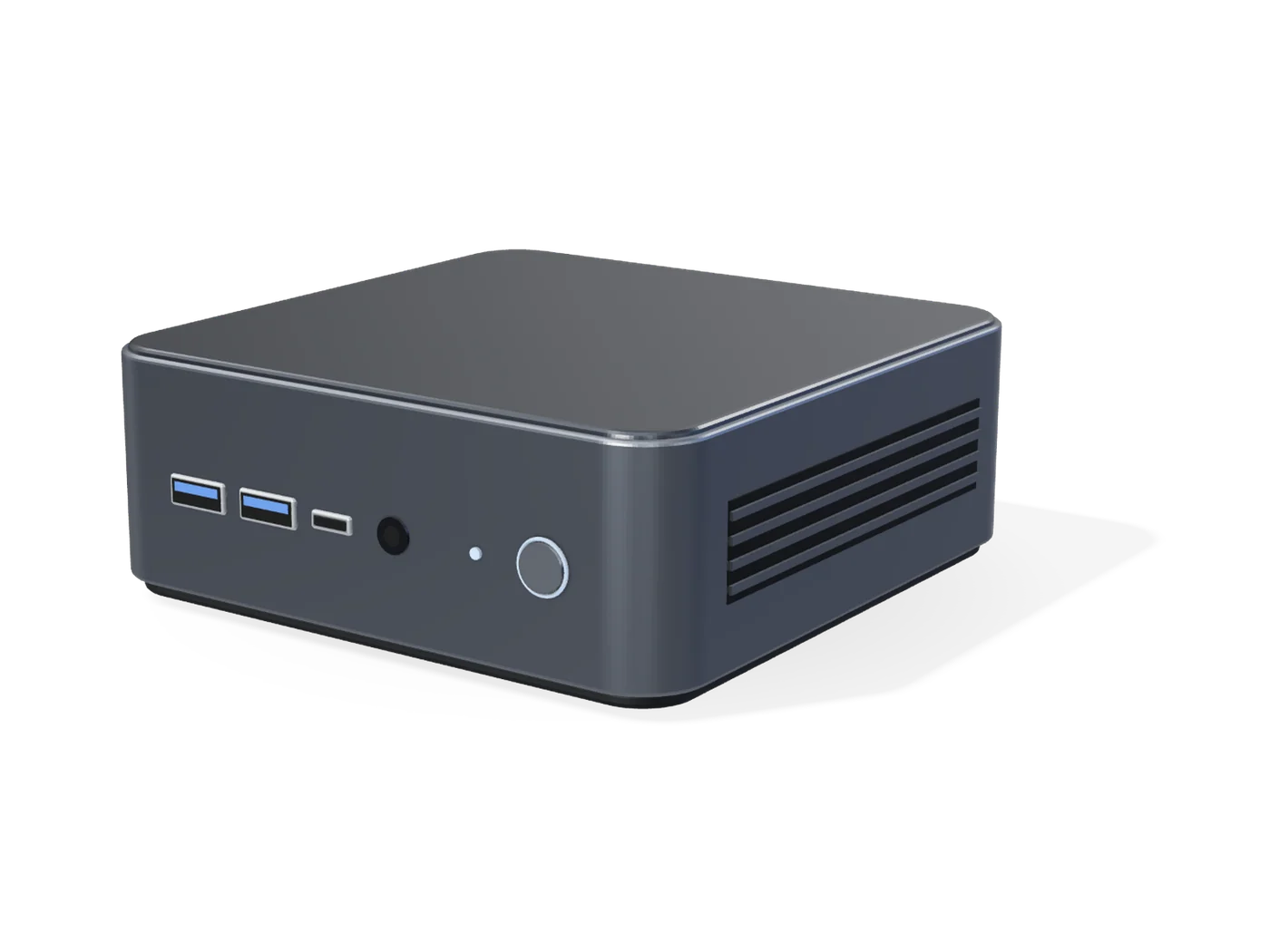
A mini PC is a compact computer that gives desktop functionality in a small footprint. Its suitability depends on processing performance, memory, storage, connectivity, thermal design and the intended workload.
What is the difference between a mini PC and a thin client?
A mini PC runs applications locally. A thin client mainly displays applications and desktops that run on a server, virtual desktop infrastructure (VDI) or cloud service. The right choice depends on your architecture and workload.
What should buyers evaluate when selecting a mini PC?
Processing needs, memory, storage, ports, networking, operating system support, size and mounting, cooling and the software to be used. Also confirm lifecycle, warranty and management requirements for the deployment.
Are mini PCs suitable for business deployments?
Yes, for office workstations, digital displays, kiosks, classrooms and similar uses, as long as the specification matches the workload and the site conditions.
Are fanless mini PCs better?
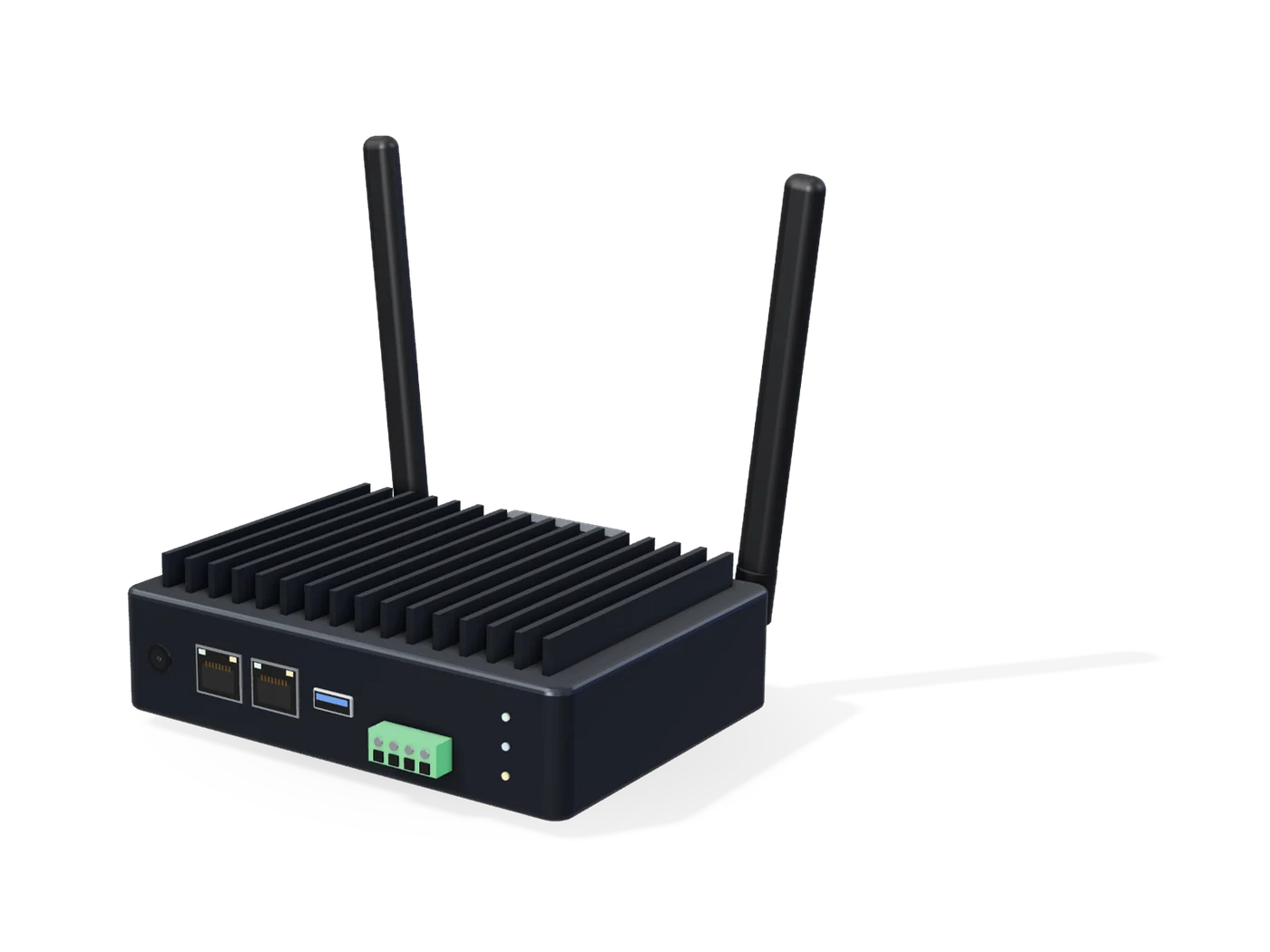
Fanless designs are silent and resist dust, which suits kiosks, signage and industrial sites. They trade some sustained performance for that reliability, so match the processor to the workload.
Can Panache build mini PCs or thin clients under my brand?
Panache DigiLife offers OEM and ODM solutions under customer brands (white label). Product feasibility, customisation, minimum quantities, timelines and commercial terms are confirmed for each project after the team reviews your requirements.