

 Your brand. Built by Panache.
OPS modules and interactive displays: a knowledge centre
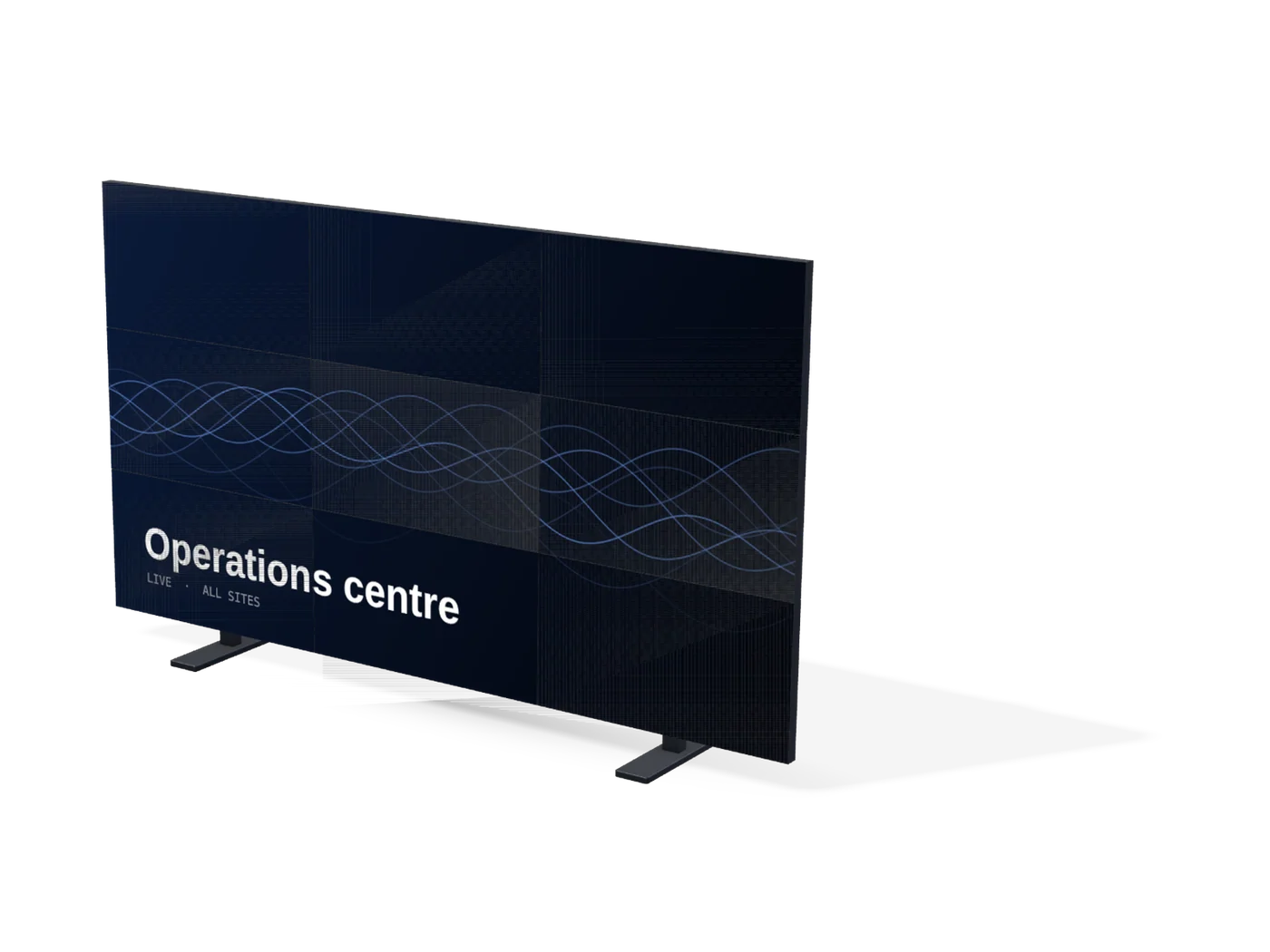
Everything a school, enterprise or integrator should check before pairing an OPS computer with an interactive flat panel, plus a procurement checklist for the display itself.
What is an OPS module?
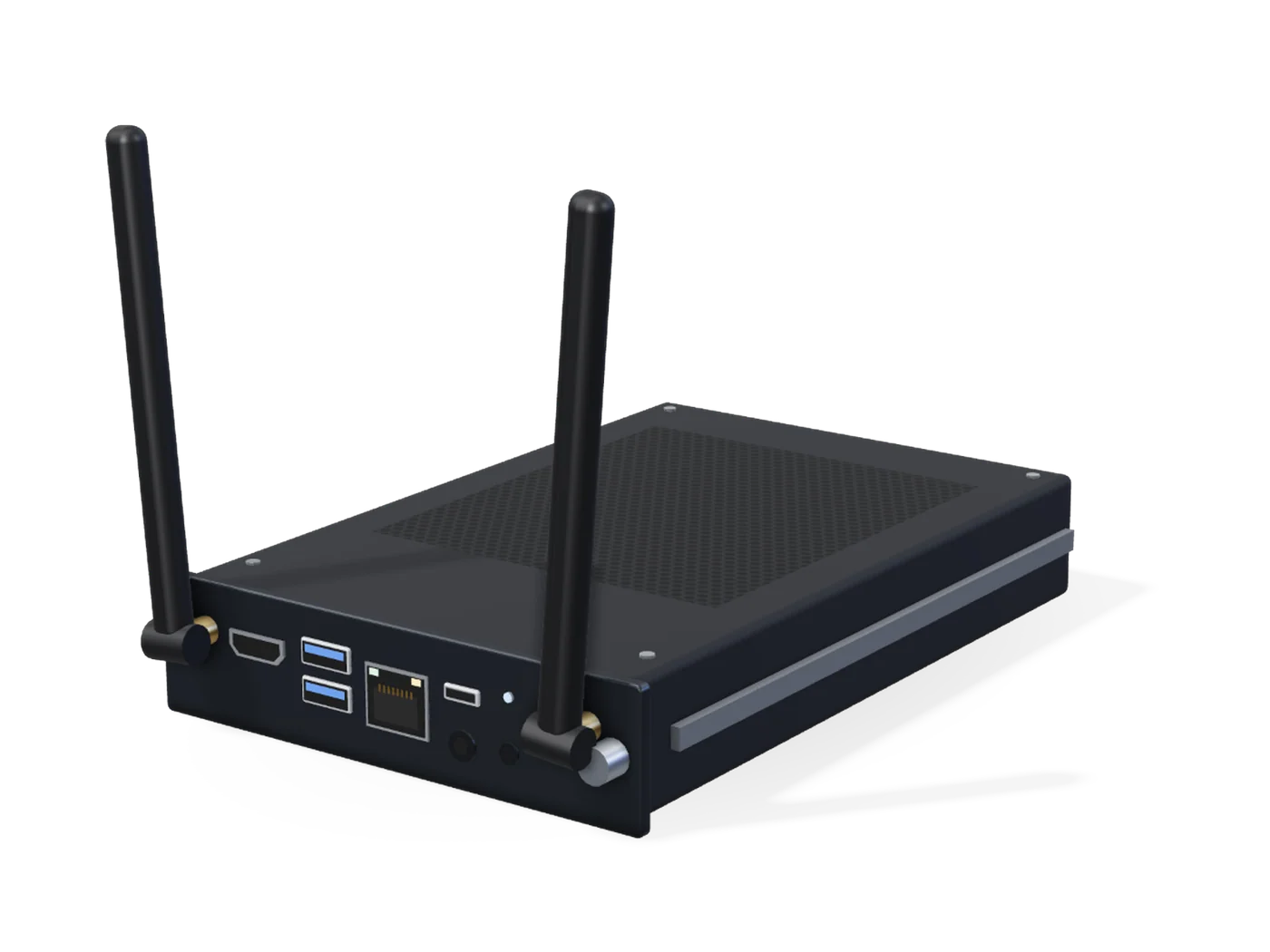
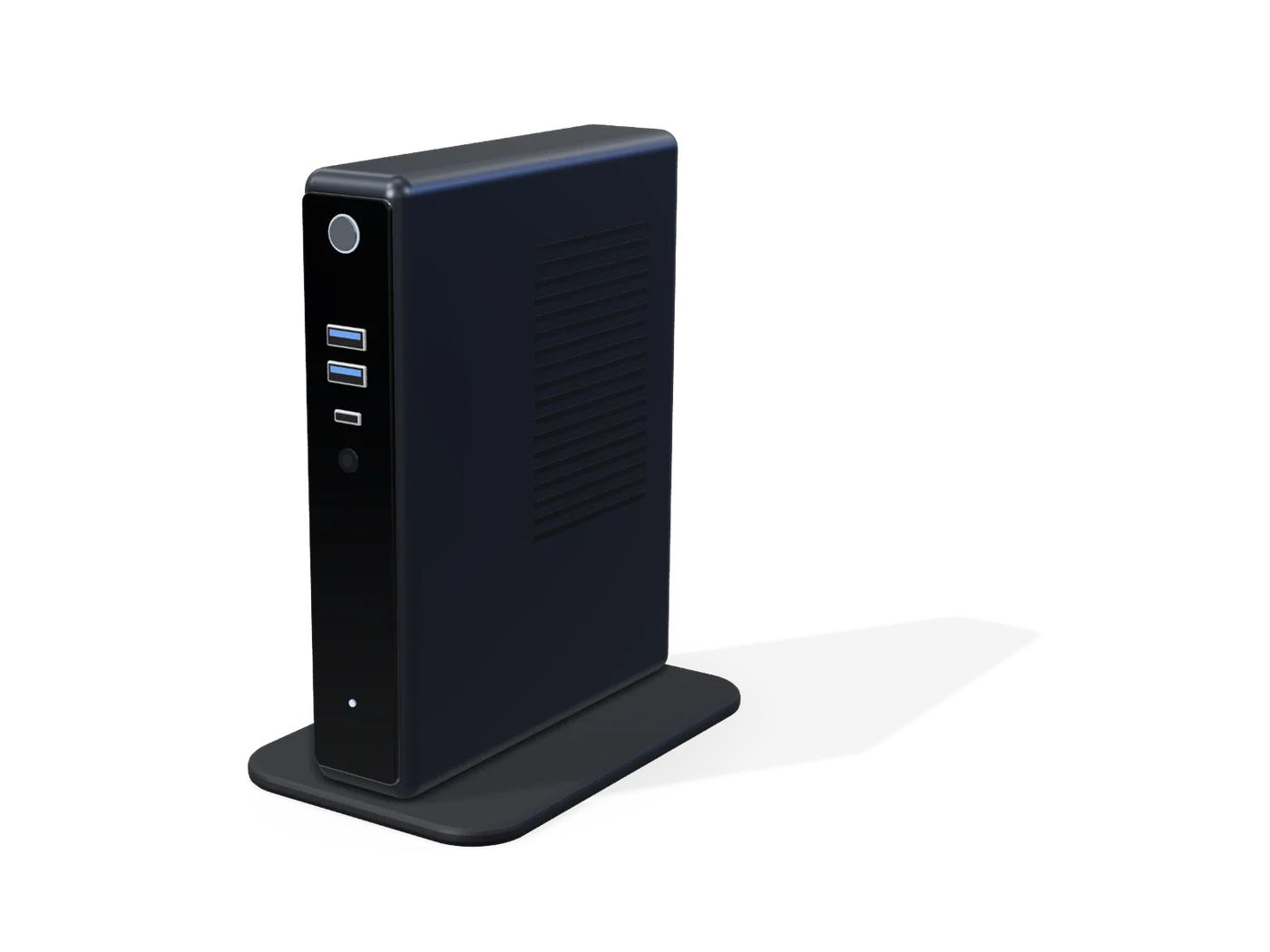
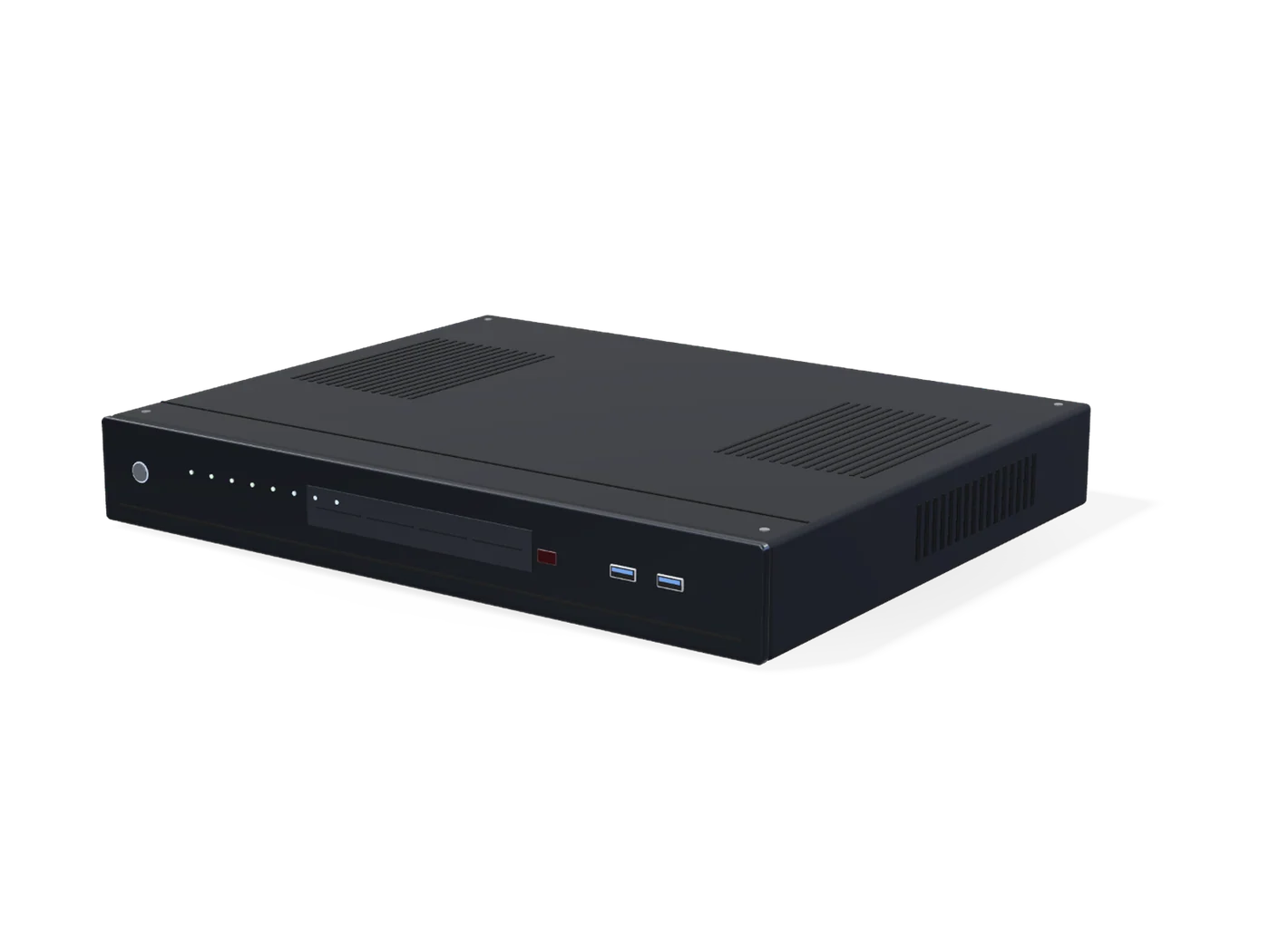
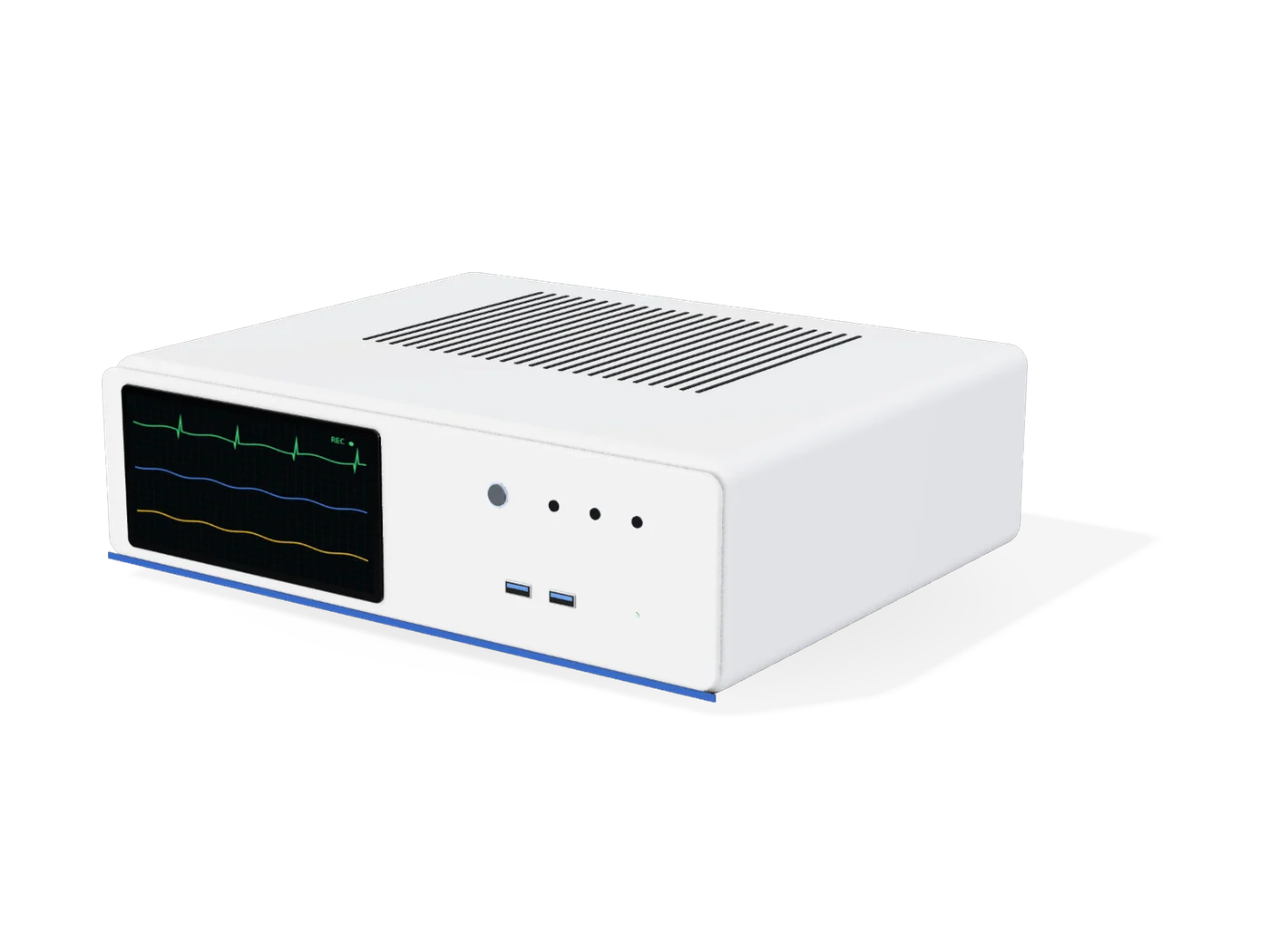
OPS stands for Open Pluggable Specification, a slot-in computer standard announced in 2010 by NEC, Intel and Microsoft for displays. An OPS module is a complete PC in a standard enclosure of about 180 × 119 × 30 mm that slides into a matching slot at the back of a compatible display.
The module connects through a single 80-pin JAE connector, which carries power, video (HDMI or DVI and DisplayPort), audio, USB, a serial (UART) link and OPS control signals. Because everything travels through that connector, there are no loose cables between the computer and the screen, and the module can be replaced or upgraded without moving the display.
Why use an OPS PC instead of the display's built-in system?
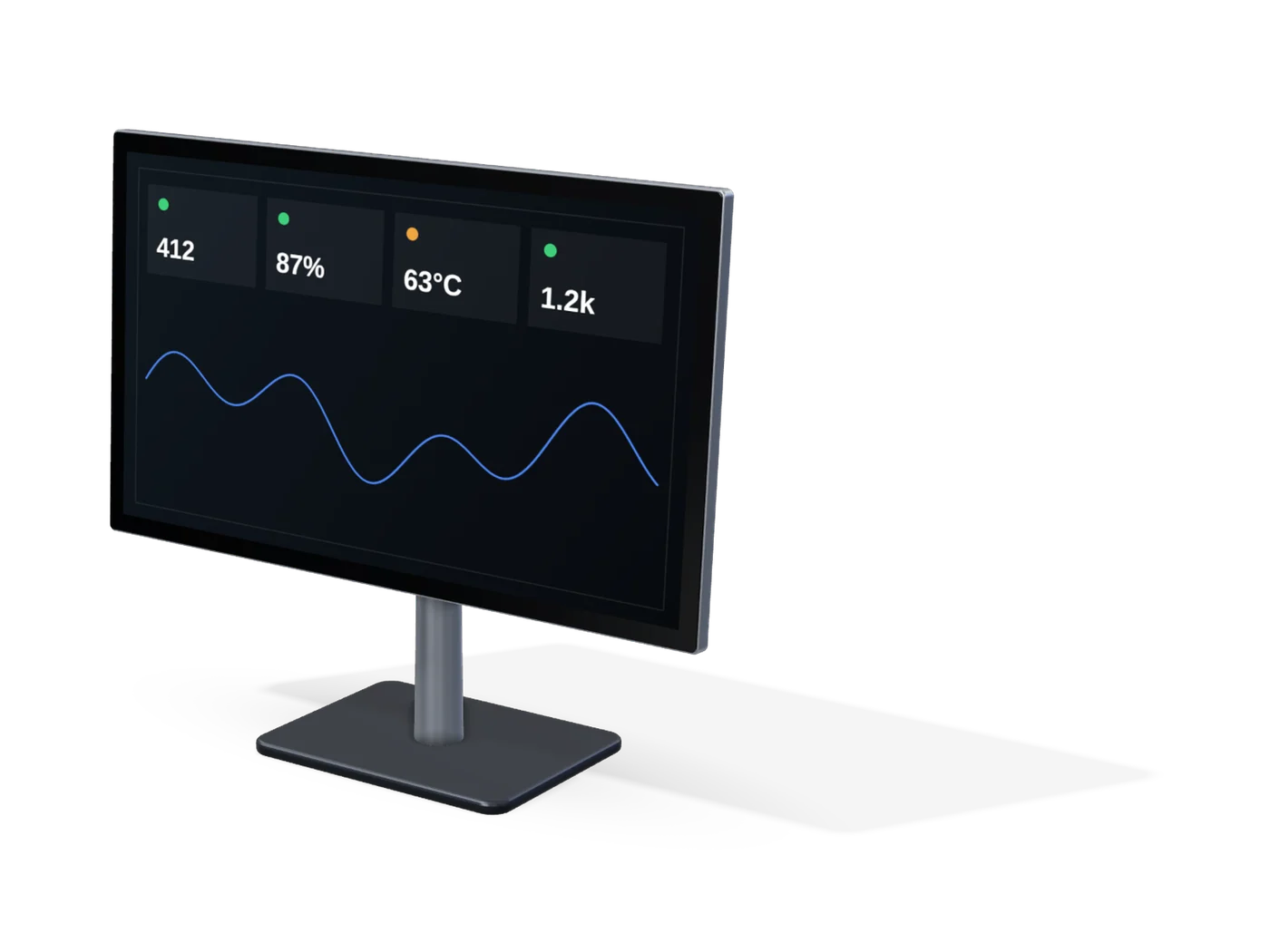
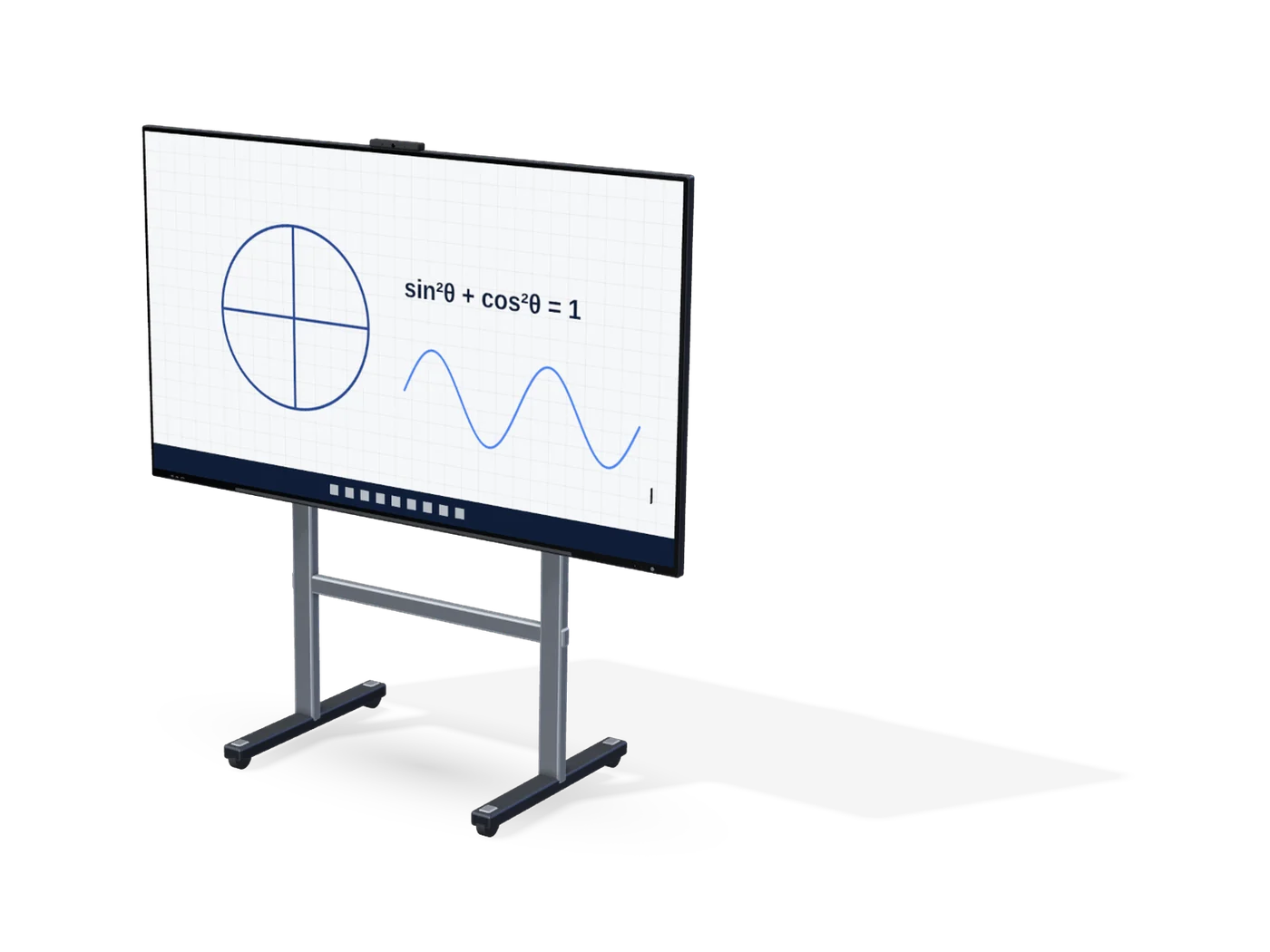
Most interactive flat panels include a built-in Android system that handles whiteboarding and casting. An OPS PC adds a full desktop operating system for software that needs it: classroom management suites, video conferencing, specialist applications and enterprise device management.
OPS compatibility checklist
- The display has an OPS slot (not every model does)
- Physical fit: slot depth and the module's rails or screws
- Power the display supplies to the slot versus what the module needs
- Video path: which signals the display accepts from the slot and at what resolution
- Touch: the display passes touch input to the OPS PC over USB
- Audio routing between the module and the display's speakers or microphones
- Network: through the module's own Ethernet/Wi-Fi or shared with the display
- Operating system, drivers and licensing for the module
- Thermals: ventilation around the slot in the installed position
- Remote power-on and management from the display or the network
Newer displays may also support Intel's Smart Display Module (SDM) format. SDM and OPS modules are not interchangeable, so match the module to the slot.
Interactive flat panel procurement checklist
- Room size and viewing distance, which decide the screen size
- Resolution (4K is now common at classroom sizes) and anti-glare treatment
- Touch technology, number of touch points and pen support
- Built-in system version, update policy and app store access
- OPS slot, and whether an OPS PC is included in the quote
- Wireless screen sharing for laptops and phones
- Camera, microphone array and speakers for hybrid lessons or meetings
- Ports on the front for USB drives and laptops
- Wall mount or mobile stand, and who installs it
- Teacher or user training and content software licences
- Warranty length, on-site service and response time
- Certifications and compliance for public procurement where relevant
Frequently asked questions
What is an OPS module?
An Open Pluggable Specification (OPS) module is a standard slot-in computer, about 180 × 119 × 30 mm, that plugs into a compatible display through an 80-pin connector carrying power, video, audio, USB and control signals. Confirm compatibility between the module and the display before purchase.
What should buyers check before selecting an OPS module?
Confirm the display's OPS slot and supported signals, then the required computing performance, memory, storage, operating system, connectivity, thermals and software. The supported configuration depends on the equipment involved.
Do I need an OPS PC if the display already has Android?
Not always. The built-in system covers whiteboarding and casting. An OPS PC is useful when you need a full desktop operating system for classroom management, conferencing or specialist applications.
What are interactive flat panel displays used for?
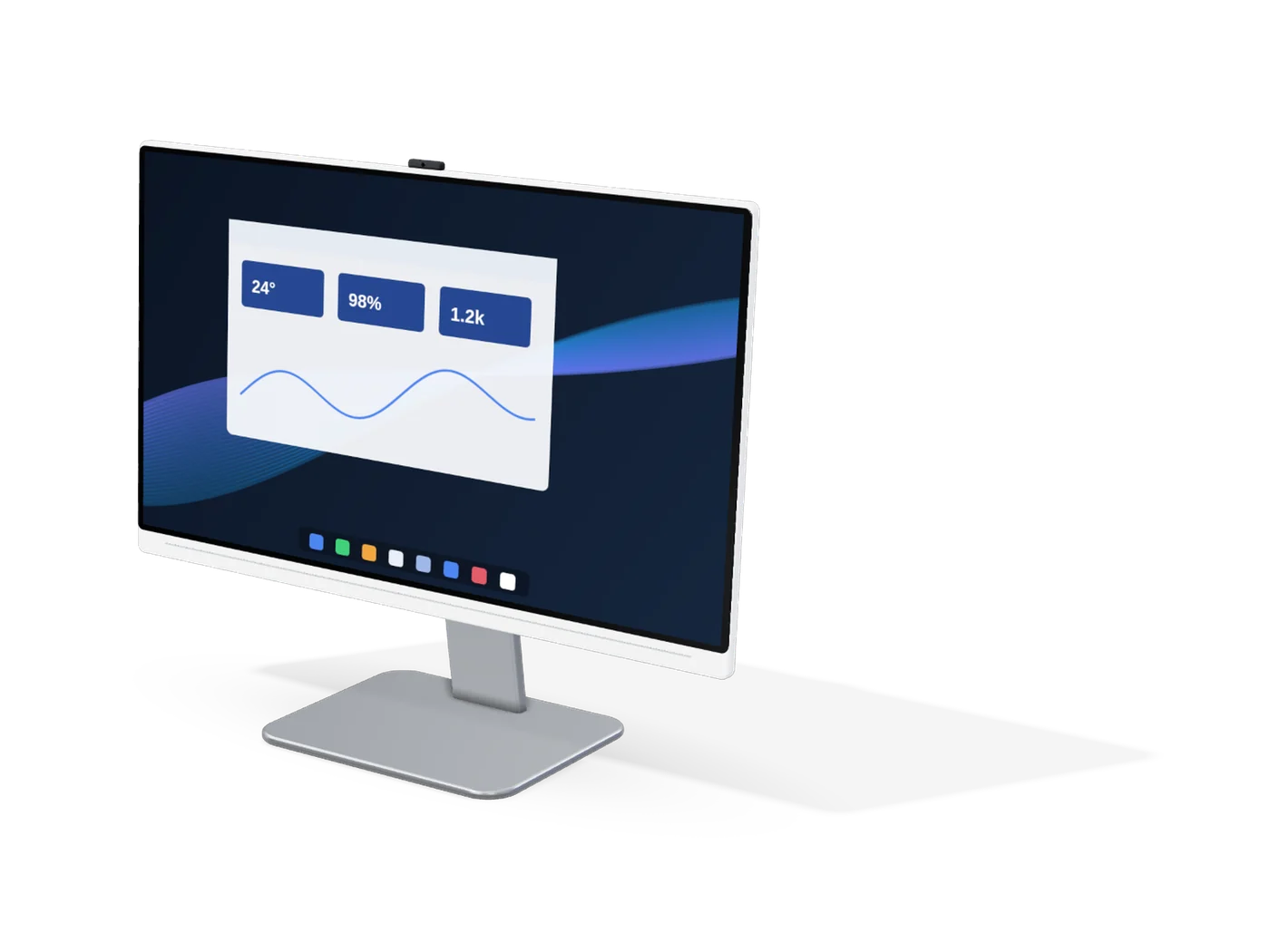
Classrooms, meeting rooms, training centres and other collaborative spaces. Suitability depends on the display, software, accessories and installation.
Is an OPS module the same as SDM?
No. Intel's Smart Display Module (SDM) is a different, smaller format. A display's slot supports one or the other, so match the module to the slot.
Can Panache supply OPS modules or interactive displays under my brand?
Panache DigiLife offers OEM and ODM solutions under customer brands (white label). Product feasibility, customisation, minimum quantities, timelines and commercial terms are confirmed for each project after the team reviews your requirements.